
Selected Works

Projects

My collection of projects exploring gameplay systems, engine fundamentals, and scalable architecture through hands-on implementation.

Overview

Building interactive experiences through design, code, and iteration.

Each project below highlights a specific skill set—from game mechanics and UX flow to visual composition and prototyping.

Tank Game screenshot

2025, Game Design & Development

Tank Game

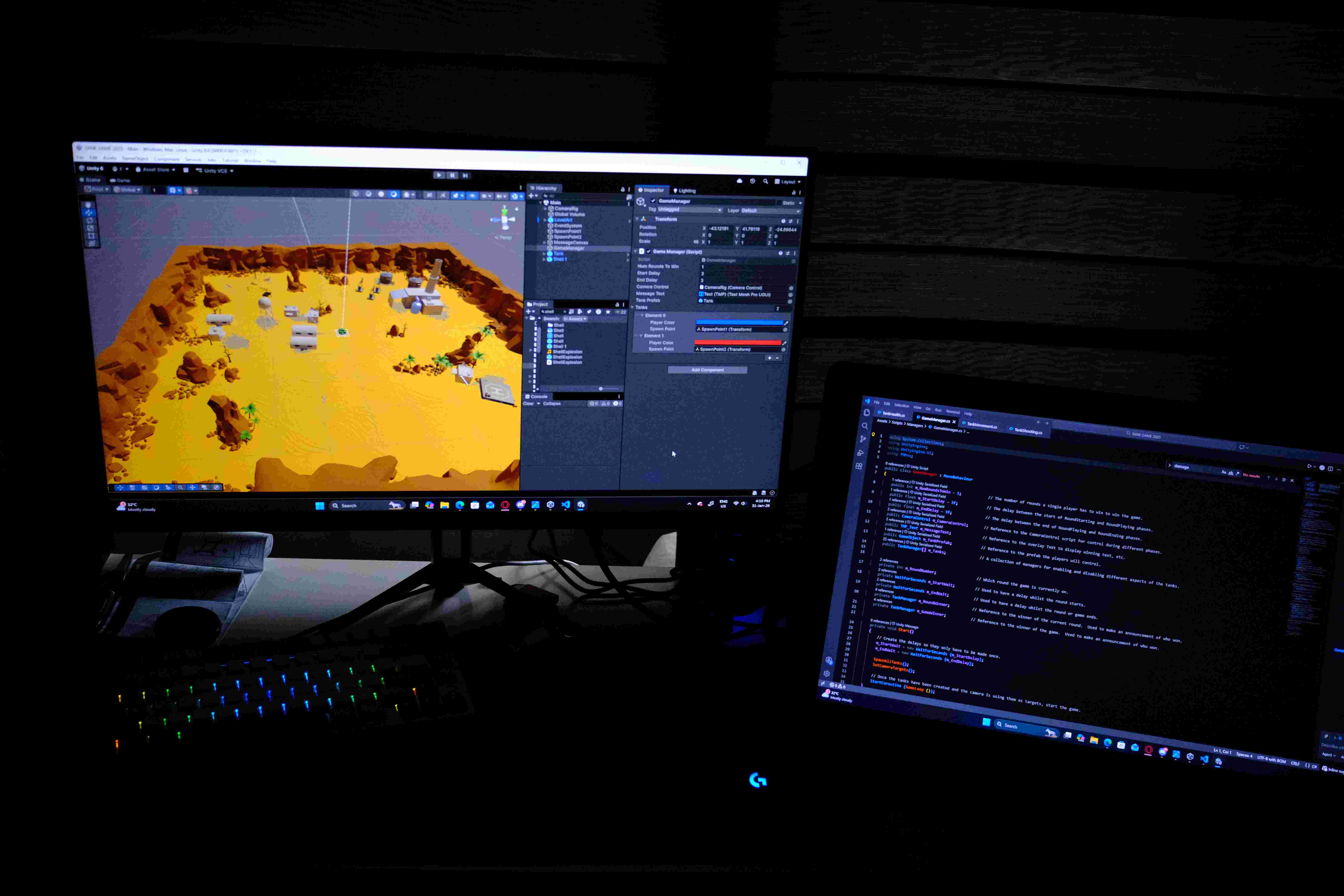
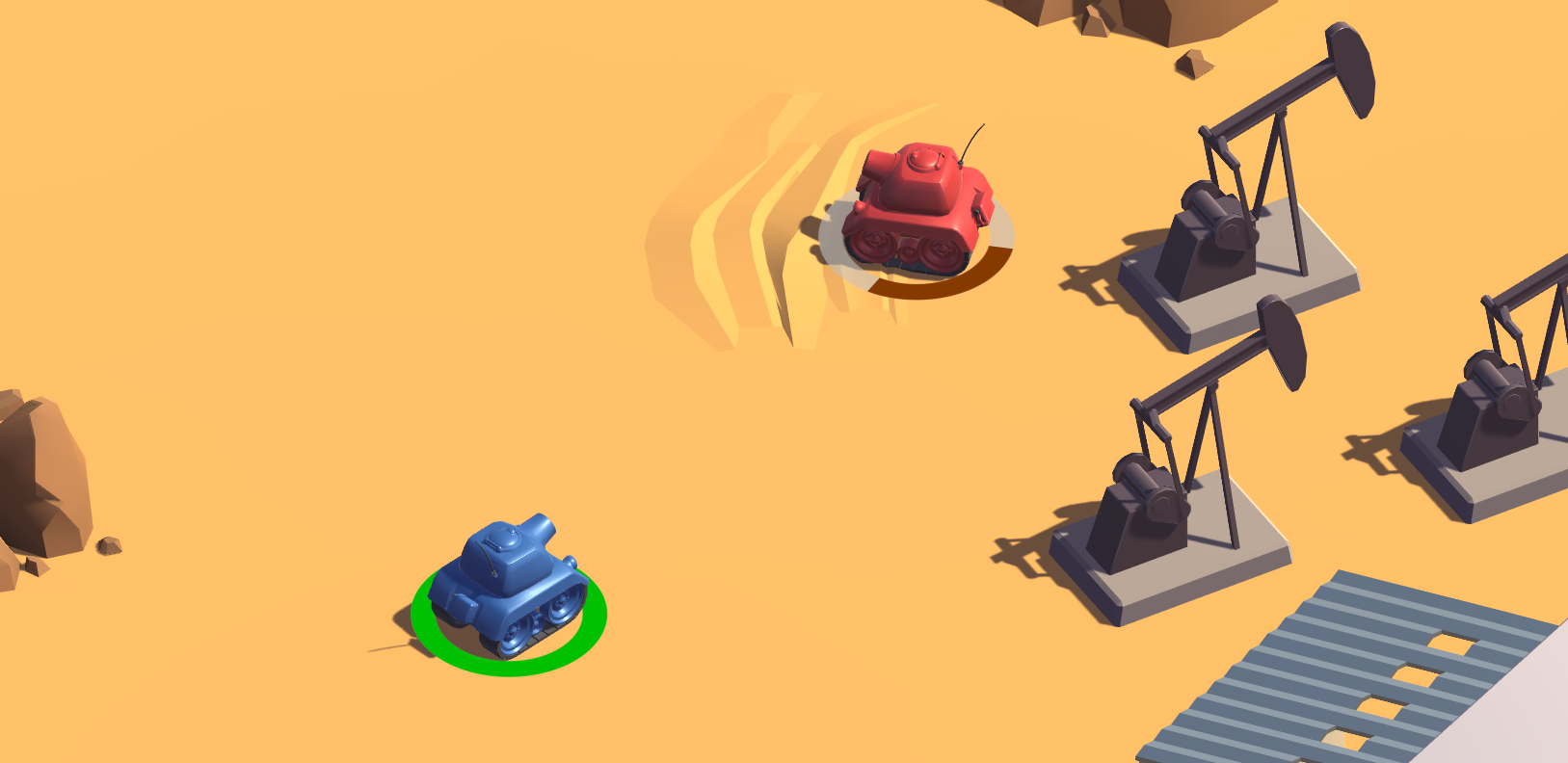
The TANK project marked my re-entry into Unity development, focusing on interconnected gameplay systems in a full workflow, inspired by my National Service experience with armoured vehicles.
Snake Remake screenshot

Tank Mechanics

Mechanics Overview

The mechanics were implemented through focused C# scripts, reinforcing core Unity gameplay patterns. Logic was split into movement, shooting, and health components to maintain clear, reusable responsibilities.

Tank mechanics use physics-safe Rigidbody movement, charge-based shooting with strict state control, and centralized health handling for clean round resets.

TankMovement.cs

TankMovement

TankMovement.cs handles physics-safe Rigidbody movement in the physics loop for consistent behaviour, with dynamically generated input axes to support multiple players. It also switches engine audio between idle and driving states based on movement input.

TankShooting.cs

TankShooting

TankShooting.cs uses an event-driven, charge-based firing system with time-based force accumulation and UI feedback. Projectiles are spawned on release or max charge, with state flags preventing multiple shots per input cycle.

TankHealth.cs

TankHealth

TankHealth.cs centralises health and damage handling, resets state on re-enable for round-based gameplay, and triggers feedback before deactivation to allow clean respawn and flow control.

TankManager.cs, GameManager.cs

Managers

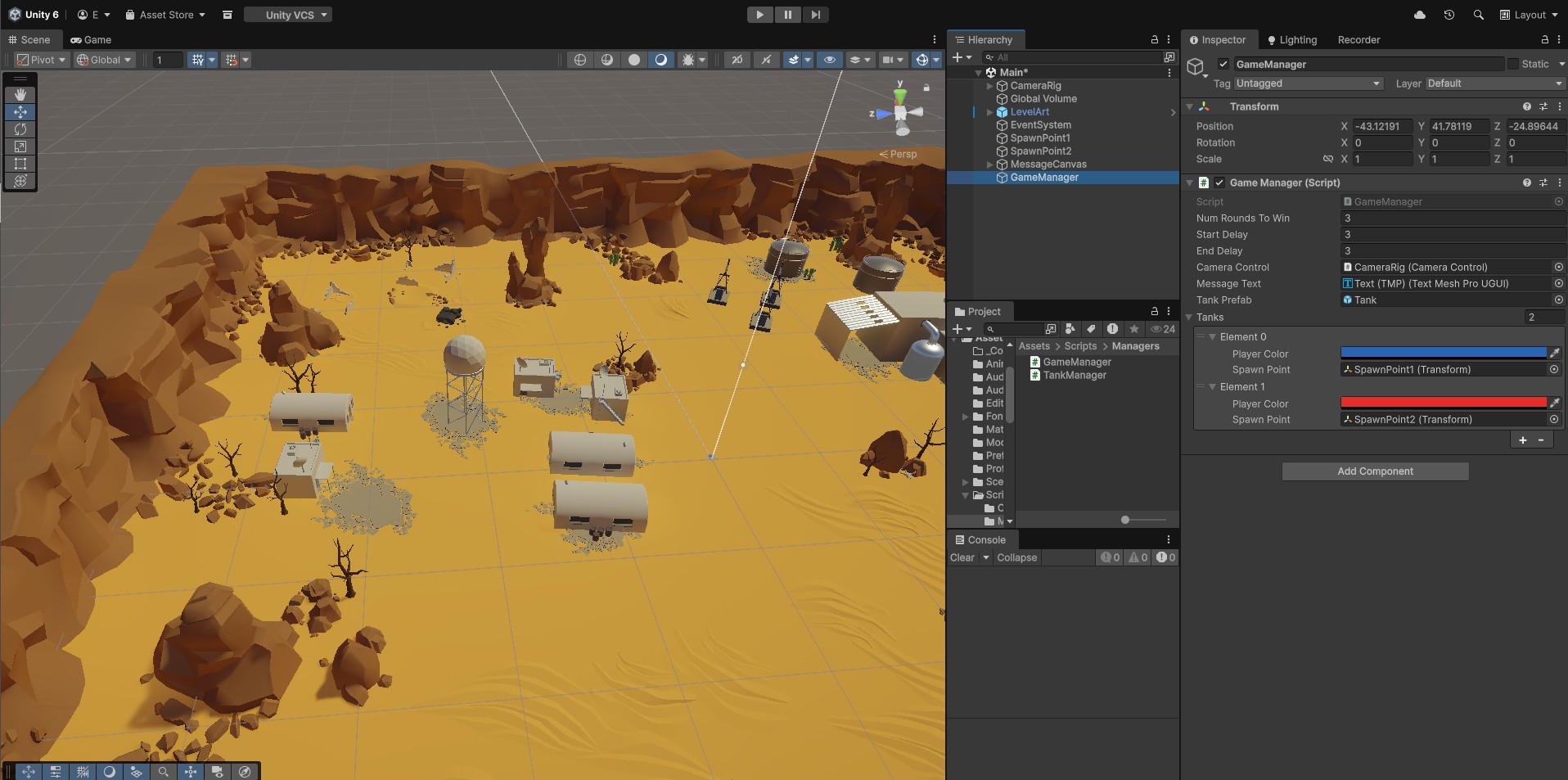
To support round-based gameplay, Manager scripts coordinate round-based match flow, handling spawning, player control gating, and state progression, while keeping game flow separate from individual tank logic.

GameManager.cs

GameManager

GameManager.cs orchestrates TANKS’ round-based loop, handling setup, UI, and camera wiring, then advancing gameplay through explicit round states via a coroutine to ensure clean resets and predictable state transitions.
City Skylines artwork

TankManager.cs

TankManager

TankManager.cs manages each player tank as a single unit, exposing a clean interface for spawning, resetting, player-specific setup, and control gating. This keeps match flow separate from entity lifecycle, improving scalability and extensibility.

From mechanics to systems.

Refelctions

This project helped me move from writing isolated gameplay scripts to thinking in terms of system structure and responsibility boundaries. I learned how to separate low-level mechanics from high-level flow control, and how manager scripts can coordinate state, timing, and player control without tightly coupling systems together. Working with enable/disable lifecycles, coroutines, and physics-safe updates improved my understanding of how Unity expects gameplay code to be structured over time. Overall, TANKS strengthened my ability to reason about real-time game architecture rather than just individual mechanics.
Tank Game screenshot

2023, Game Design & Development

SNAKE REMAKE

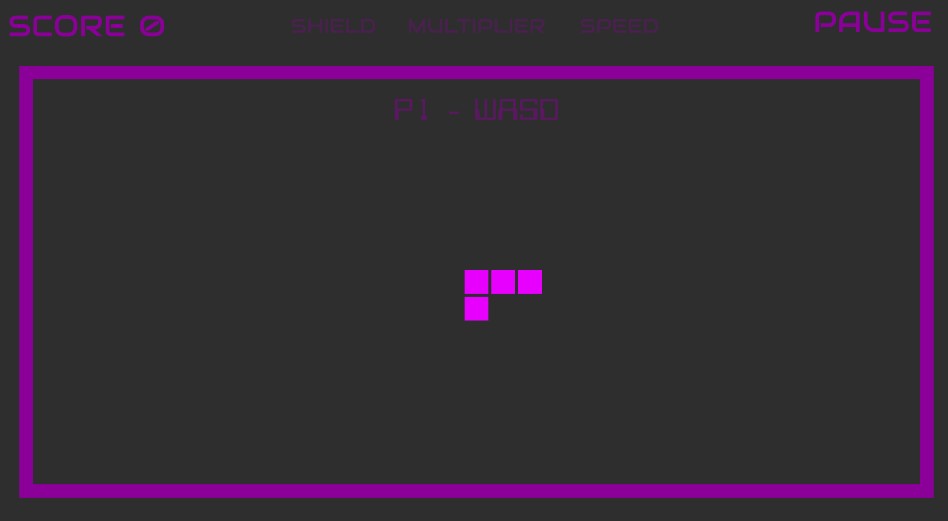
This Snake game served as an early entry point into Unity, focused on learning core engine concepts rather than complexity. It introduced C# game loops, real-time input, grid-based movement, and collision logic, forming a foundation for more advanced Unity projects.

PlayerMovement.cs

Snake Movement

Snake movement is step-based with enforced directional constraints, using input-driven state changes to prevent invalid reversals and a fixed update interval for consistent pacing.

PlayerMovement.cs

Growth Logic

Snake growth is implemented by instantiating body segments and tracking them in an ordered list, with each segment following the previous one. This reinforced object lifecycle management, ordered state, and multi-object coordination.

Decoupling interaction effects from movement

Collectibles

A collectibles system uses collision callbacks to trigger growth, scoring, and temporary effects, reinforcing clean separation between movement and gameplay state changes.

Opera inspired artwork

CollectiblesController.cs

CollectiblesController

CollectiblesController centralises collision handling for all collectibles, avoiding duplicated logic while allowing item-specific effects to remain modular.

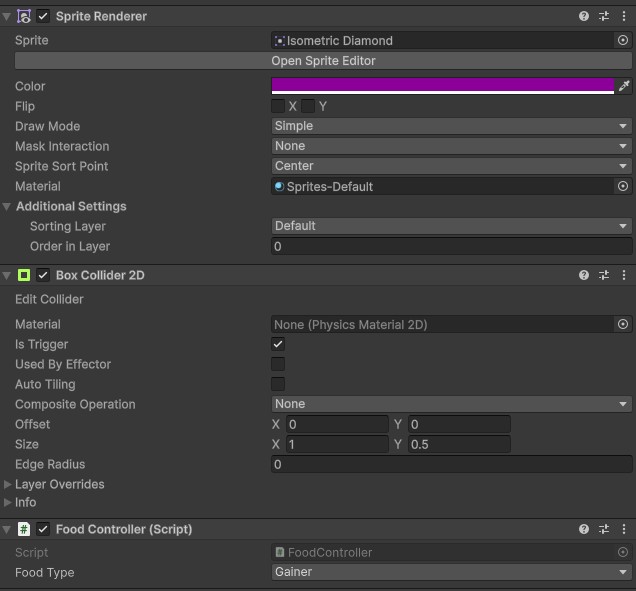
FoodController.cs

FoodController

FoodController handles food collection, triggering growth and scoring while delegating state changes to the player controller to keep movement logic decoupled.

PowerUpController.cs

PowerUpController

PowerUpController applies temporary, time-based effects, introducing transient game states that modify player behaviour without changing core mechanics.

State-driven flow control in Unity.

Game Flow & Level Control

Controller scripts manage start, reset, and game-over states, keeping gameplay systems in sync and highlighting the value of centralised flow control.

From mechanics to systems.

Refelctions

As an early Unity project, this built confidence but also exposed issues with tight coupling and overlapping responsibilities, highlighting the need for clearer separation of concerns as complexity increases.

Debugging movement, collisions, and resets highlighted the importance of execution order and shared state, shaping a stronger focus on system boundaries and scalable game flow in later projects.

Tank Game screenshot

2023, Game Design & Development

Street Fighter

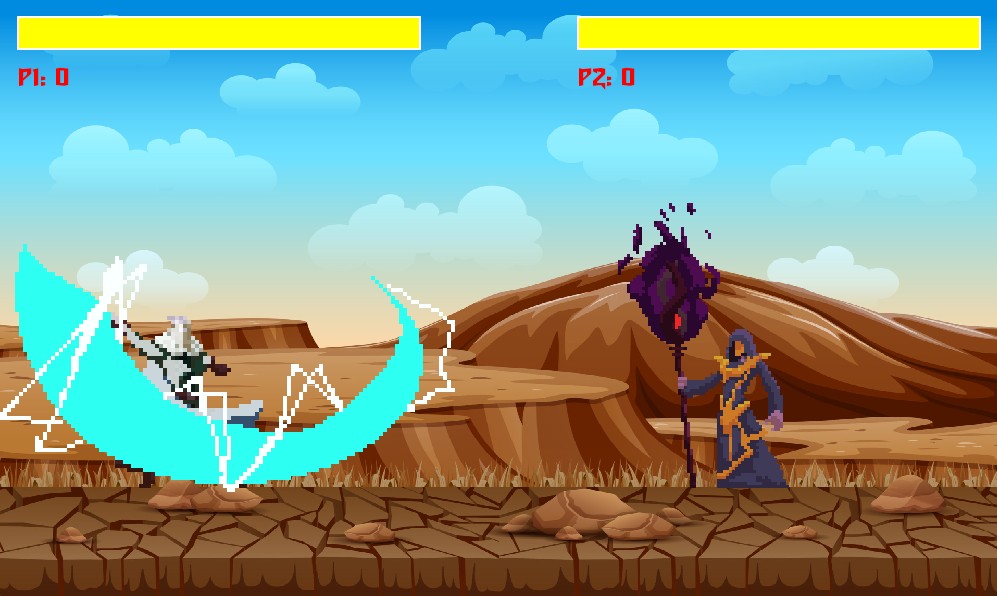
A 2D fighting game built in Pygame to explore core systems—game loop, input, and animation—outside of Unity, using a Street Fighter–style format to focus on real-time input and state-driven behaviour.

Animation System

Sprite Animation System

Character animation is implemented using a sprite-based system driven by sequential frame updates rather than engine-provided tools. Each character state (idle, movement, attack, hit) maps to a set of sprite frames cycled over time, with animation timing controlled explicitly in code to remain frame-rate independent.

Building the animation system highlighted clean state transitions and reinforced animation as a core gameplay system.

Inputs & Combat

Player Input & Combat Logic

Player input is handled directly through Pygame’s event system, translating keyboard events into real-time movement and combat actions. This required explicit management of key states, timing, and action triggers rather than relying on engine abstractions. Attacks are initiated based on input conditions and processed through simple combat rules that determine action availability and interactions with opponents.

Game Loop

State Management

The game uses a manually implemented loop with explicit control over input handling, state updates, and rendering each frame. Player behaviour is governed by clear states (idle, moving, attacking, hit) that drive both gameplay logic and animation, preventing conflicting actions and ensuring consistent behaviour during fast-paced combat.

Lessons Learnt

Reflections

Building this project in Pygame exposed assumptions I previously relied on when using other game engines. Underestimating the complexity of player state management and animation timing led to issues like overlapping actions and desynchronised animations. Resolving these problems required more explicit state transitions and tighter control over execution order within the game loop.

Tightly coupling input and combat logic caused timing issues, reinforcing the need for clear state separation and clean control flow.